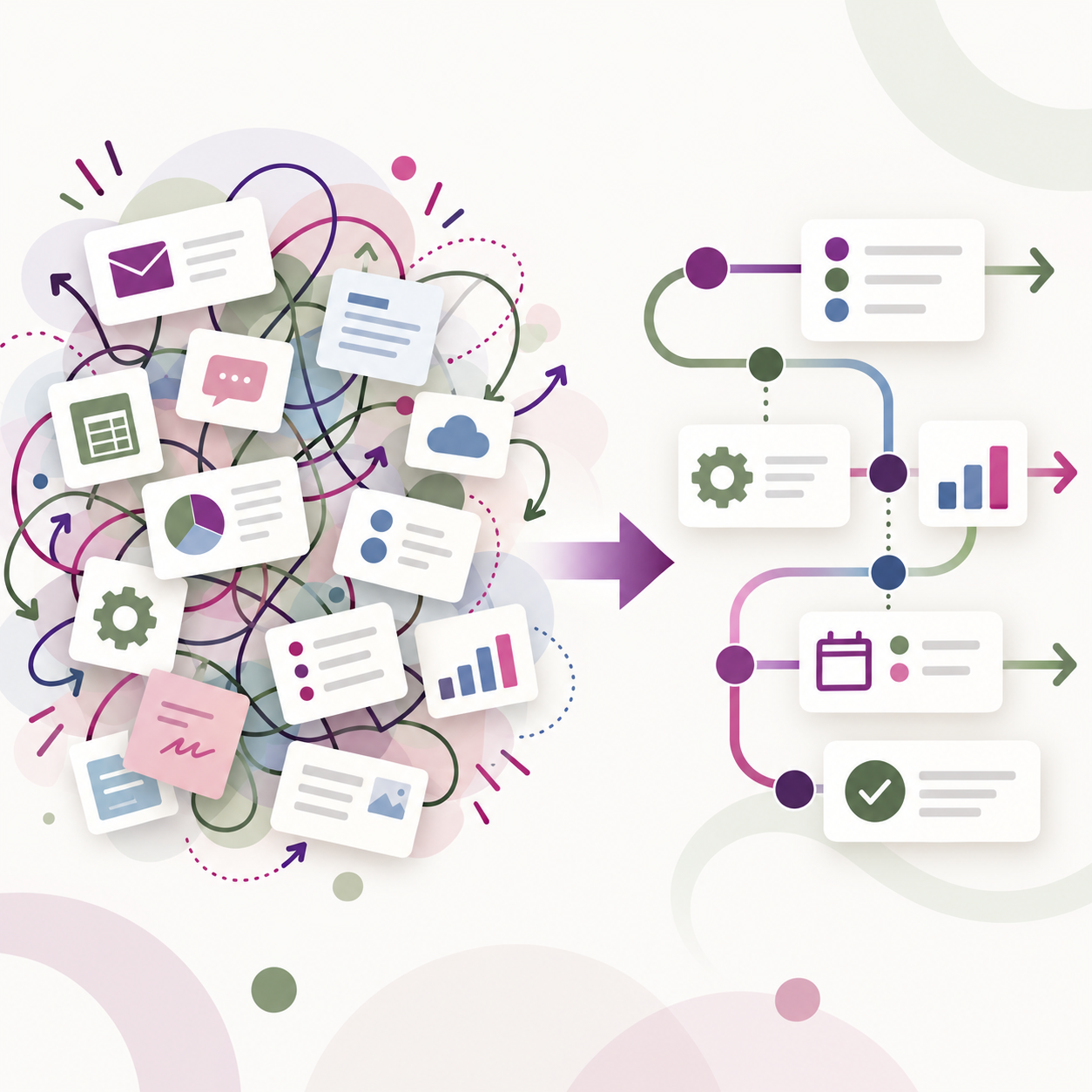
When something in the business is not working, it is easy to assume the answer is another tool.
Maybe leads are not getting followed up with consistently. Maybe reporting is unreliable. Maybe the team is entering the same information in several places. Maybe people are keeping side spreadsheets because they do not trust the system. Or maybe everyone is talking about AI and automation, and it feels like the business should be doing more with both.
Sometimes new technology really is the right answer.
But if the workflow underneath it is unclear, adding another platform can simply give the same problem somewhere new to live.
That is why the better starting point is not, “What should we buy?” It is, “What is actually creating the friction?”
Start by looking at how the work really happens
Most businesses have two versions of a process: the version everyone says should happen and the version that actually happens.
A lead may be supposed to enter the CRM, get assigned, receive follow-up, and move through a defined sales process. In reality, someone may also be tracking that lead in a spreadsheet, forwarding emails manually, leaving notes in an inbox, or relying on memory to keep things moving.
Those workarounds are not automatically a sign that the team is doing something wrong. They are often clues.
They can point to a process that is unclear, a system that is not configured around the way the business actually works, a feature the team does not know how to use, or a handoff that was never fully defined in the first place.
Before replacing software, look at where those workarounds begin and why they exist.
New software cannot define an unclear process for you
A new CRM can give you better features. A new automation platform can save time. A new reporting tool can create cleaner dashboards. AI can help with repetitive tasks and information management.
What none of those tools can do on their own is decide how the business should operate.
If nobody is sure who owns the next step after a lead comes in, the software cannot solve that decision for you. If the team enters data differently, the reporting will still be inconsistent. If follow-up depends on someone remembering, moving to a different platform does not automatically create accountability.
That is why the workflow has to come first.
You need to understand who owns each step, where information moves, where it gets stuck, and where the team is doing work outside the system.
Once that is clear, it becomes much easier to see whether the problem is the technology or the process around it.
How do you know if you actually need automation?
Automation is useful when it removes unnecessary work from a process that is already reasonably clear.
If a task happens frequently, follows a consistent pattern, and does not require much judgment, it may be a great candidate for automation.
But if the team handles the process differently every time, automation can make things more confusing rather than less.
For example, if leads are being missed because nobody is assigned to follow up, the first problem is ownership. Automating reminders may help, but it will not fix the larger issue if no one is responsible for the task.
The same applies to repetitive data entry, onboarding steps, internal notifications, or reporting. Before automating, make sure the process itself makes sense.
Where does AI fit?
AI should follow the same logic.
The question should not be, “Where can we add AI?”
A better question is, “Where are we losing time, capacity, information, or revenue, and could AI help improve that part of the process?”
AI might help summarize information, support follow-up, organize data, prepare internal documentation, reduce repetitive administrative work, or make information easier to find.
Those are practical uses because they solve a defined problem.
What you want to avoid is adding AI as another disconnected tool that sits beside the CRM, project management platform, spreadsheets, inboxes, and everything else the team already has to manage.
AI is most useful when it fits inside the business, not when it becomes another thing the business has to work around.
You may already have more than you think
Another reason to pause before buying new software is that many businesses are already paying for tools with features they are not fully using.
Sometimes the answer is better configuration.
Sometimes two existing systems need to communicate with each other.
Sometimes a workflow needs to be simplified.
Sometimes the team needs better training.
And sometimes a duplicate subscription can be eliminated entirely.
Replacing a system can be expensive in ways that go beyond the monthly software cost. There is data to migrate, people to train, integrations to rebuild, and time needed for everyone to adapt.
If the current system can support the business with a better workflow, improving what you already have may be the smarter move.
A better order for technology decisions
Instead of starting with software, AI, or automation, use this sequence:
Understand the process → identify the friction → decide what should change → choose the right technology
That order keeps the business problem at the center of the decision.
You may still end up choosing a new platform. You may decide automation makes sense. AI may be part of the solution.
But now those decisions are based on a clear understanding of what needs to improve.
That is very different from adding technology and hoping the process gets better afterward.
The goal is not to avoid new tools. The goal is to know why you are adding them.
If you are not sure where the biggest opportunities are, the Castro Klein AI Quiz is designed to help identify where time, revenue, and capacity are being lost before deciding what technology belongs in the solution.